Light Matter supports the following:
- HDR formats: JPEG UltraHDR, JPEG XL, AVIF, PNG
- SDR formats: JPEG, JPEG XL, AVIF, PNG, GIF, WebP, SVG, BMP
- Colour gamuts: sRGB, AdobeRGB, P3, BT.2020/BT.2100, custom colour primaries
- HDR gamma curves: PQ (SMPTE ST 2084), HLG (ARIB STD-B67)
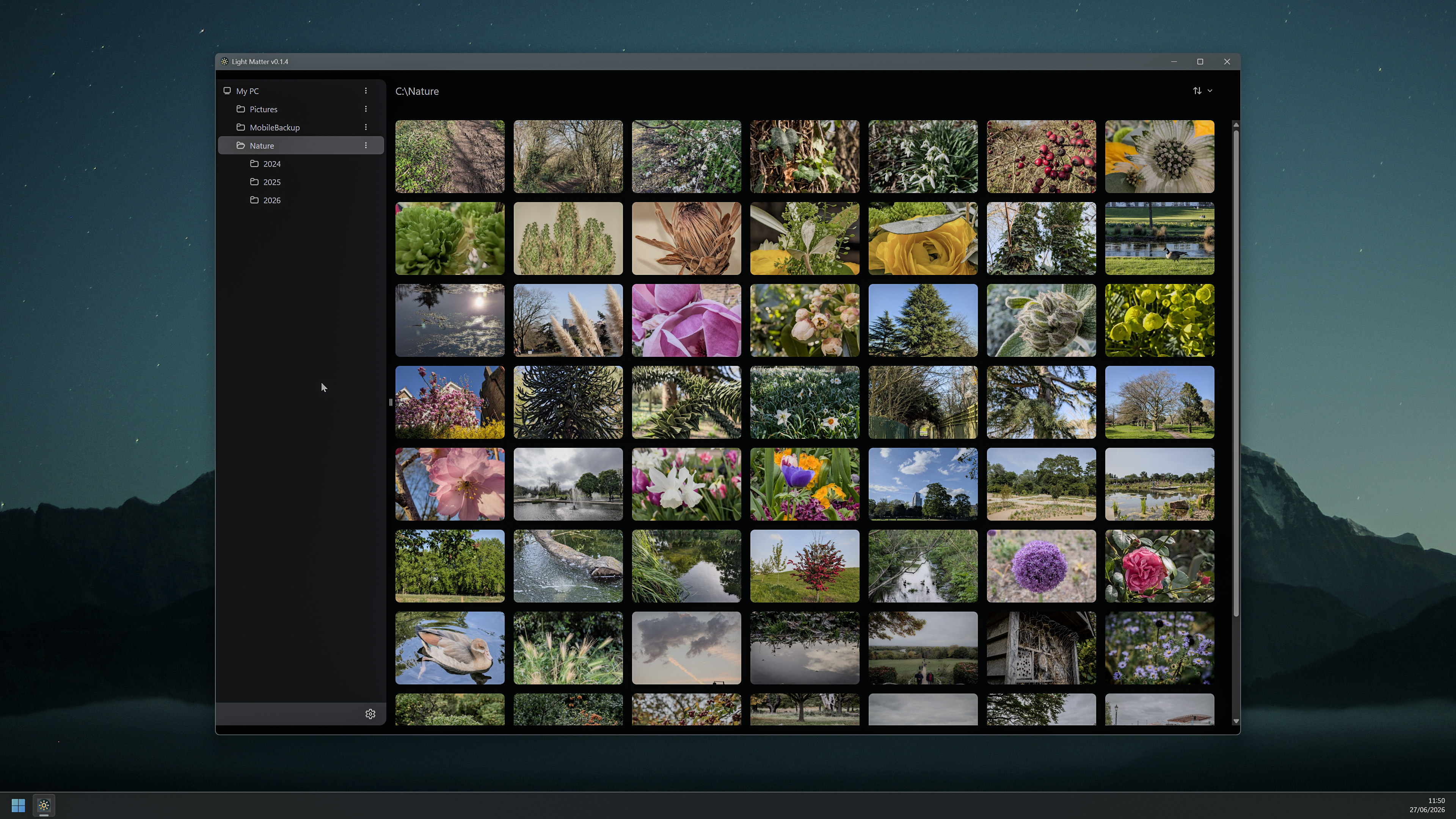
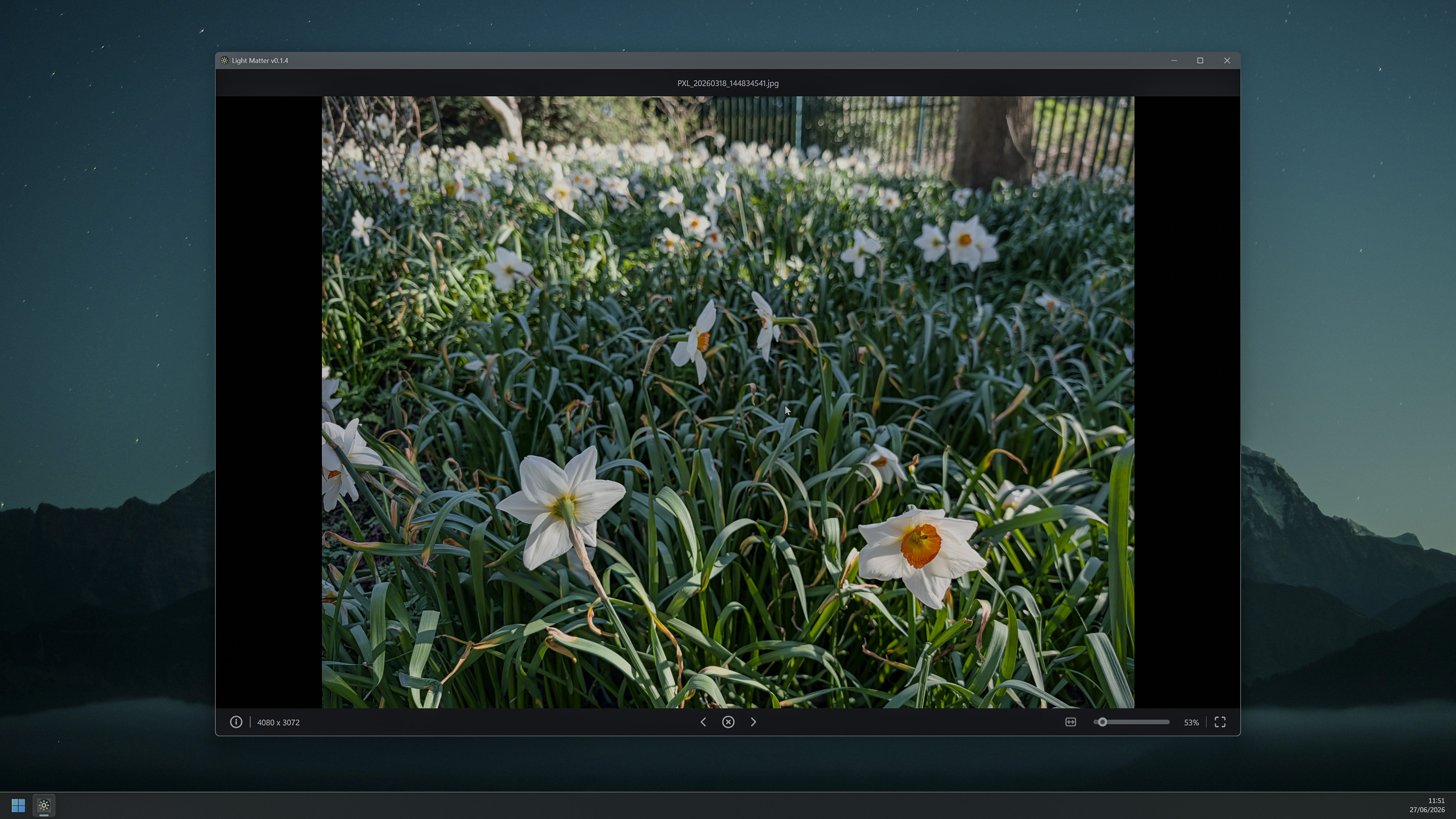
Light Matter is an HDR image and photo viewer for Windows and Linux. It features a simple and intuitive UI, photo browser with customisable locations, support for both High Dynamic Range (HDR) and Standard Dynamic Range (SDR) images, wide colour gamut, and ICC profiles.
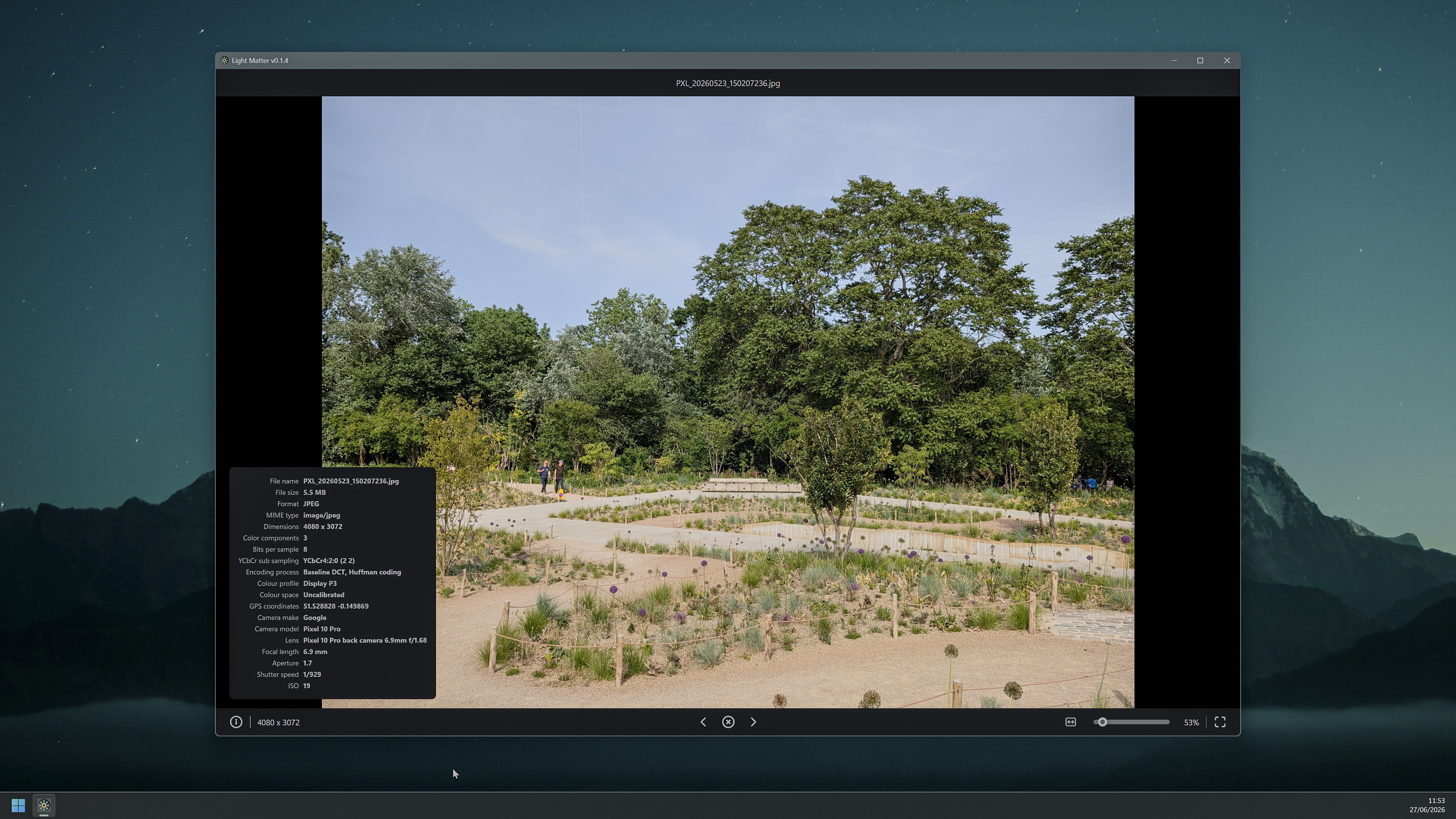
Additionally, it can display EXIF information whenever available.
Installation
Windows
The preferred way to install Light Matter is from Microsoft Store. Alternatively, you can download an unsigned EXE installer from GitHub Releases page.

Linux (any distro)
The preferred way to install Light Matter is to download an AppImage from GitHub Releases and make it executable.
chmod +x LightMatter-*.AppImage
./LightMatter-*.AppImage
Source code
The source code is available on GitHub. Third-party libraries and dependencies are listed in package.json.
GitHub users can leave feedback, add feature requests, and report bugs by opening a new issue.
Screenshots
Changelog
0.2.0
- Added thumbnail size selector in the gallery.
0.1.6
- Added zooming with a scroll wheel (thanks, iuncus!).
- Implemented image grouping by year and month in the gallery view.
- Escape key now closes the image viewer.
0.1.5
- Added AppImage to releases for Linux support (thanks andrinbr!).
- Major performance improvement for the gallery.
- Greatly reduced memory usage when generating thumbnails.
- Thumbnail generator is now multithreaded and does not cause UI stutters.
0.1.4
- HOTFIX: fixed an issue when launching the app leads to a black screen caused by a race condition.
0.1.3
- Implemented image sorting in the gallery.
- Added the basic app settings dialogue.
- It is now possible to delete thumbnail cache.
- Implemented an animation when switching between images.
- Fixed small bugs.
- Small UI improvements.
0.1.2
- Added a highlighting effect when hovering images in the gallery.
- Implemented caching mechanisms to be used by thumbnail generator.
- Implemented thumbnail generator.
- Optimised image loading in the gallery to improve performance.
0.1.1
- Improved gallery performance.
- Implemented loading indicator when loading large images.
0.1.0
- Reworked UI to remove 3rd party components libraries.
- Implemented proper zooming and panning when viewing images.
- Added EXIF information display.
0.0.5
- Updated icons for Microsoft Store.
- Fixed the start-up bug.
0.0.4
- Added a basic gallery/folder browser.
- Added a new F11 shortcut to toggle full-screen mode.
- Window position and size are now saved on exit.
- Added AppX build target for Microsoft Store releases.
0.0.2
- Added full-screen support. Either press an F key when viewing an image or press a button in the bottom toolbar.
- Added keyboard navigation: you can now switch between images with left and right keys on your keyboard.
0.0.1
- Initial release with a very basic image viewer functionality.